How to create a slide-in popup form in Framer (no code)
Robin Louw
|
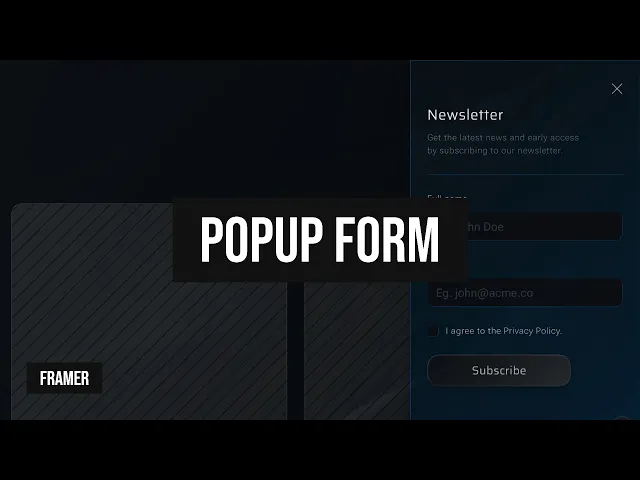
Build a slide-in popup form in Framer without code. Follow the written steps or watch the video to create a form that appears as visitors scroll.
Create a popup form and set the positioning to fixed.
Build or import a form, set the viewport height to 100vh with a width that works across all breakpoints.
Set the positioning to fixed and position it to the left or right of the screen.
Turn the form into a component.
Select the form and add a frame (CMD+Enter on Mac).
Name the frame eg. Popup, and turn it into a component (OPT+CMD+K on Mac).
Edit the component
Create a hidden/closed variant of the form.
Delete unneeded existing variants of the form.
Rename the Primary variant to “Open” and set the width and height to ‘Fit’.
Create a new variant (CMD+D on Mac) and name it “Closed”.
Select the close button of the Primary Variant, add a transition to the Closed variant with a click interaction.
With the Closed variant selected, set the overflow to ‘Hidden’ if set to visible.
Set the width and height to 1px and opacity to 0.
Select the nested form, add the property ‘Pointer events = None‘.
Optionally, set the nested form Visible property to ‘No’.
Return to the page/canvas.
Add a slide-in scroll effect.
Select the popup form component.
Ensure the positioning remains fixed, set the width and height to ‘Fit Content’ and set a Z-index that is above 1.
Under Effects, choose Scroll Animation.
I will set the trigger to ‘Section in view’ and choose a desired section and viewport.
Set replay to ‘No’, remove the Exit effect, and select ‘Enter Effect’.
Enter Effect settings: Opacity = 0, X Offset = 400px (bigger or same width as form), Transition will be a Timed Spring with Time = 0.5 and Bounce = 0.1.
Preview the result and close the popup.
Conclusion
This is one way to create a popup form without code, using Framer’s built-in scroll effects. Test it across devices and check accessibility before publishing.
Watch the video for a visual guide.
Thanks for visiting Design Chillout! Explore the designer toolkit or grab something from the cooler box!
Affiliate Disclaimer:
This page contains affiliate links. Site content is supported by awesome visitors like you who buy after clicking on a link, at no extra cost to you.
AI disclaimer:
This article contains original content. However, AI may have been used to generate content from existing sources, or to correct the grammar, spelling, and formatting.
Advertisement